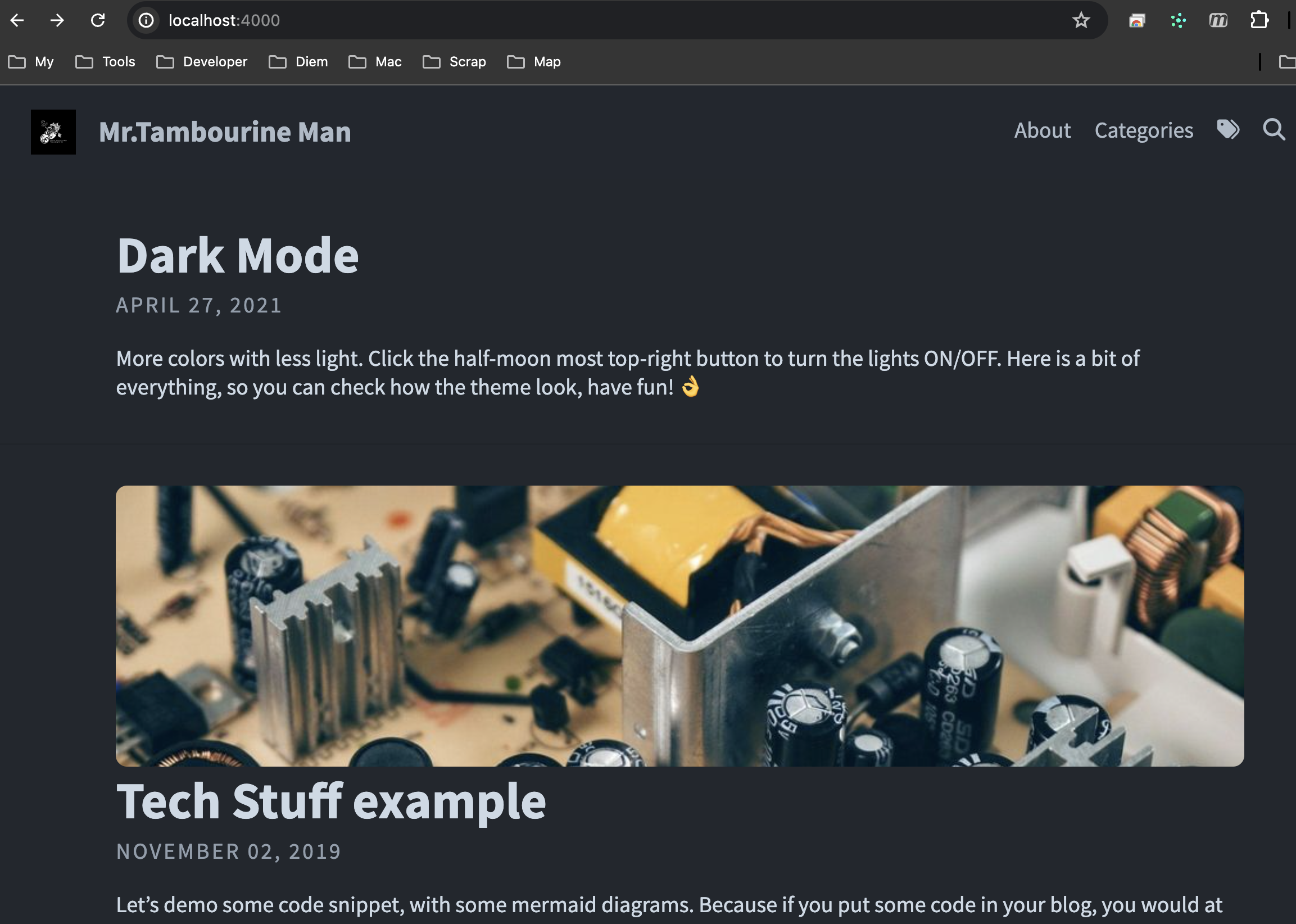
ruby 1 도 모르지만 적용해 보자!!!
- Install Jekyll : ruby 필수 [+] https://jekyllrb.com/
$> ruby -v
ruby 3.3.3 (2024-06-12 revision f1c7b6f435) [x86_64-darwin23]
$> gem install bundler jekyll
먼저 github 에서 repository 를 생성합니다.
[+] https://docs.github.com/ko/pages/quickstart
- repository name 은 [github-username].github.io 로 생성합니다.
에) github username 이 tambourine-m 이므로, tambourine-m.github.io
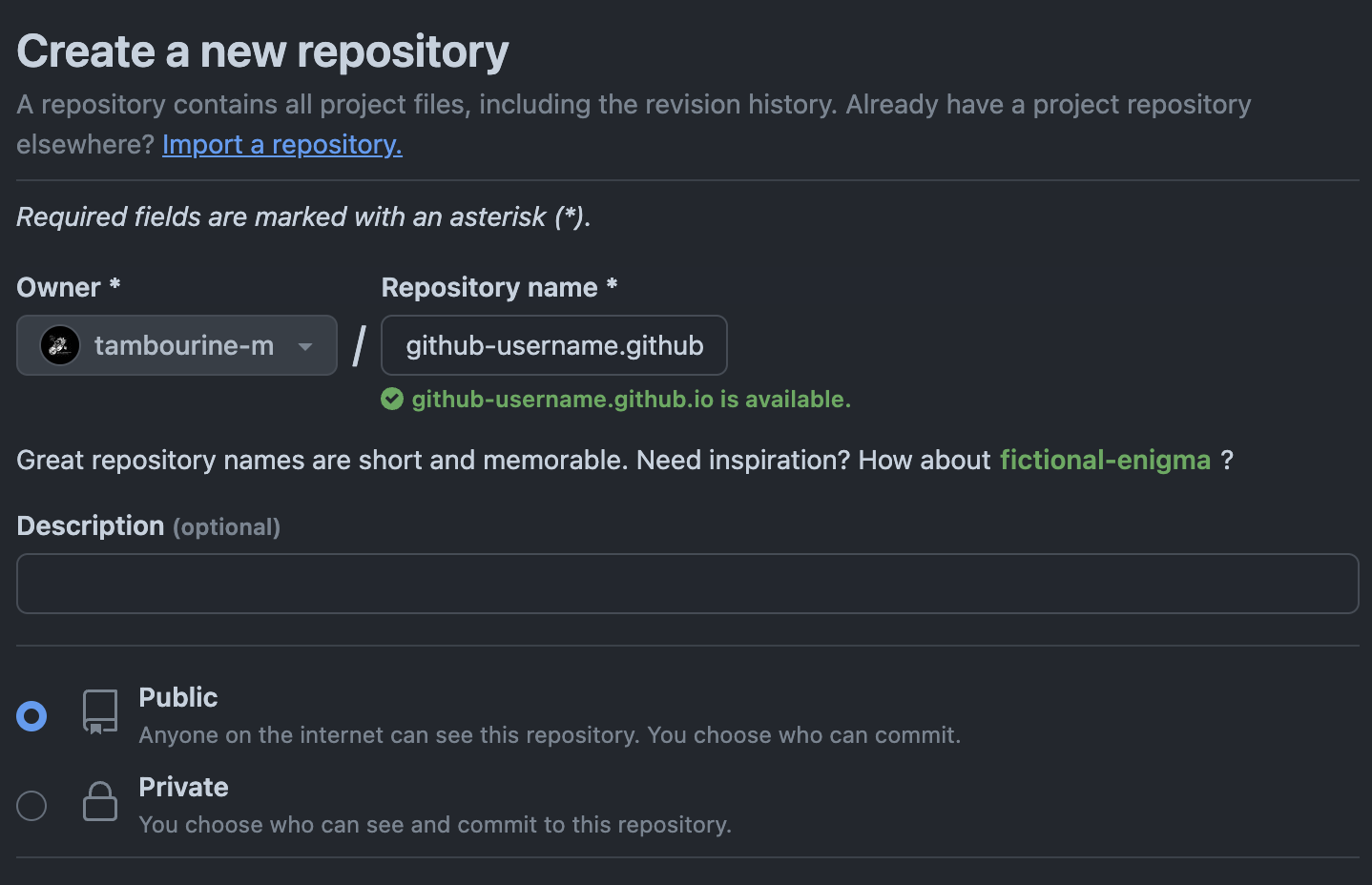
생성된 repository 를 clone 합니다.
$> mkdir blog; cd blog
blog $> git clone git@github.com:username/username.github.io.git
Cloning into 'username.github.io.git'...
warning: You appear to have cloned an empty repository.
Type on Strap Theme 를 다운로드 받습니다.
[+] https://github.com/sylhare/Type-on-Strap
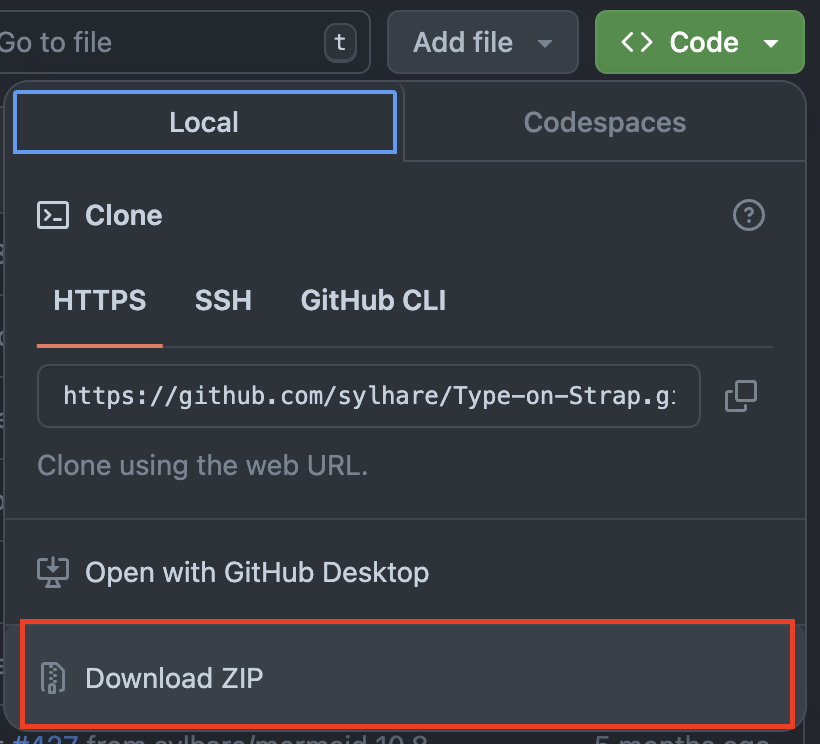
- 다운받은 소스를 clone 한 username.github.io.git 에 copy 하고, 해당 테마에 종속된 테마들을 설치 합니다.
blog $> cd username.github.io
username.github.io $> ls
Gemfile                 _config.yml             _layouts                _sass                   pages
LICENSE                 _data                   _portfolio              assets                  type-on-strap.gemspec
README.md               _includes               _posts                  index.html
username.github.io $> bundle install
Resolving dependencies...
Fetching gem metadata from https://rubygems.org/............
Bundle complete! 1 Gemfile dependency, 37 gems now installed.
Use `bundle info [gemname]` to see where a bundled gem is installed.
- local server 실행
username.github.io $> bundle exec jekyll serve
...
Server address: http://127.0.0.1:4000/Type-on-Strap/
Server running... press ctrl-c to stop.
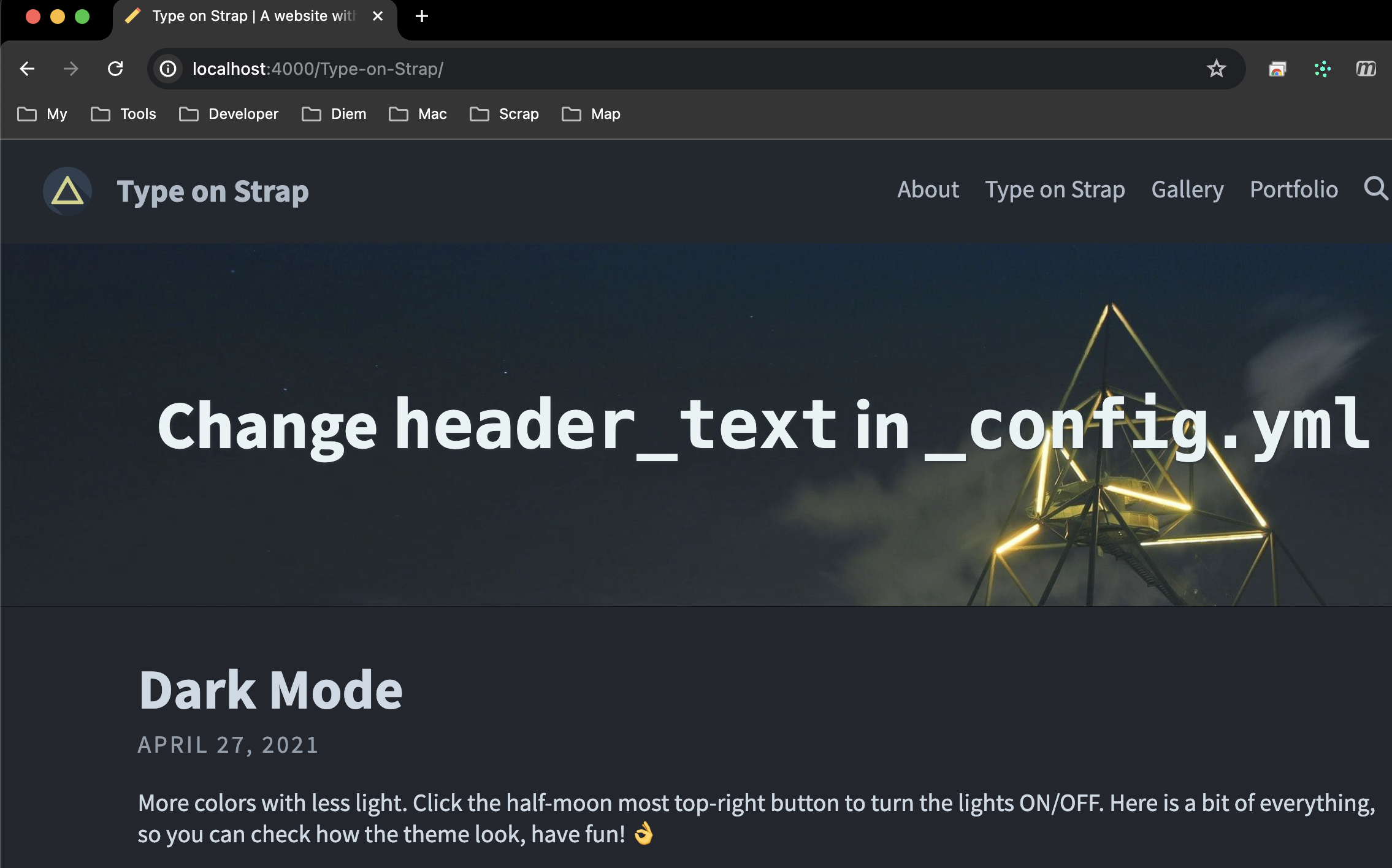
기본 설정된 것으로 실행한 것이라 http://localhost:4000 에 /Type-on-Strap 을 붙여야 합니다. 종료는 콘솔에서 ctrl+c 키로 종료합니다.
사용자화
- _config.yml 를 수정합니다.
# SITE CONFIGURATION
baseurl: ""
url: "https://username.github.io"

# THEME-SPECIFIC CONFIGURATION
title: Mr.Tambourine Man                                    # site's title 원하는 이름으로 수정
description: "blog posts and pages"      # used by search engines
avatar: assets/img/tambourine.png                         # Empty for no avatar in navbar 좌측 상단 아바타 이미지 변경
favicon: assets/favicon.ico                             # Icon displayed in the tab favicon.ico 변경

# Header and footer text
header_text: Mr.Tambourine Man  # Change Blog header text 원하는 이름으로 수정, 모양이 좀 정신 사나워서 이미지 않나오게 home.liquid 수정해서 안나옴.
header_feature_image: assets/img/header/bonneville.png  #
header_feature_image_responsive: false   # feature 이미지 안나오게
footer_text: >
  Mr. Tambourine Man

# Blog
excerpt: true                                           # Or "truncate" (first 250 characters), "false" to disable
post_navigation: true
# color_image: /assets/img/lineart.png                    # A bit transparent for color posts.

# Features
# More in the _data folder for share buttons, author and language
# For layout customization, go to the "_sass > base" folder, and check "_variables.scss"
katex: true                                             # Enable if using math markup
mermaid: default                                        # Enable mermaid-js for diagrams, use theme: base, forest, dark, default, neutral
google_analytics:                                       # Measurement ID, e.g. "G-00000"
cookie_consent: false                                   # To respect the usage of cookies
color_theme: dark                                       # auto, dark or light

# Comments options
comments:
  disqus_shortname:                                     # Your discus shortname for comments
  cusdis_app_id:                                        # Your cusdis data-app-id
  utterances:                                           # Enable by filling below information. For more info, go to https://utteranc.es
    repo:                                               # your public comments repository (e.g. owner/repo)
    issue-term:                                         # Issue term (e.g. "comment" consider issues with this word in the title as comments)

# PAGINATION
paginate: 5
paginate_path: "/blog/page:num"

# PORTFOLIO
collections:
  portfolio:
    output: true
    permalink: /:collection/:name

# BUILD SETTINGS
sass:
  style: compressed
plugins: [jekyll-paginate, jekyll-seo-tag, jekyll-feed]
exclude: [".jekyll-cache", ".jekyll-metadata", ".idea", "vendor/*", "assets/node_modules/*"]
- pages/categories.md, pages/archive.md 수정
hide: true 값을 false
---
layout: categories
title: Categories
permalink: /categories/
hide: false
excluded: true
showCounts: false
---
---
layout: archive
title: "Blog Archive"
permalink: /archive/
hide: false
excluded: true
icon: "fa-archive"
position: 6
---
- _layouts/home.liquid 수정 주석처리
...
    <!-- div id="main" class="call-out call-out_img">
        <h1> { { site.header_text | default: "Change <code>header_text</code> in <code>_config.yml</code>" } } </h1>
    </div -->
...
-
사용하지 않을 페이지 삭제
pages/gallery.md
pages/portfolio.md
_include/gallery.html
_include/portfolio.md
_portfolio/*.md -
.gitignore 생성
# Idea files
.idea/*
.vscode/

# Mac files
.DS_Store

# Byte-compiled / optimized / DLL files
*.manifest
*.spec

# Jekyll dev or build files
_site/*
_development_tool/*
.sass-cache/*
*.css.map
*.scssc

# Theme Gem files
Gemfile.lock
Gemfile
*.gem
.gems
*.gemspec

# Node js files
**/node_modules/*
*-test.md
*copy.md
themes/*
.jekyll-cache/*
**/.jekyll-cache/*
assets/package-lock.json
type-on-strap-gem/*
package-lock.json
**/.ipynb_checkpoints/**
*-ignore.jpg
.jekyll-metadata
- 다시 local server 를 띠워서 확인 후 github 에 push 하고, http://username.github.io 로 접속하면 끝!
- repository 의 Settings > Pages > Enforce HTTPS 체크되어 있다면 https://username.githnub.io 로 접속